FlashRC — Shipping banner
custom html
To disable entire area go to iqitthemeeditor module > Content/Pages > Product page and set hidden for Right sidebar option
Downloads
Software and drive to download directly here: https: //futabausa.com/software-downloads/
Download and unzip the S-Link Software.
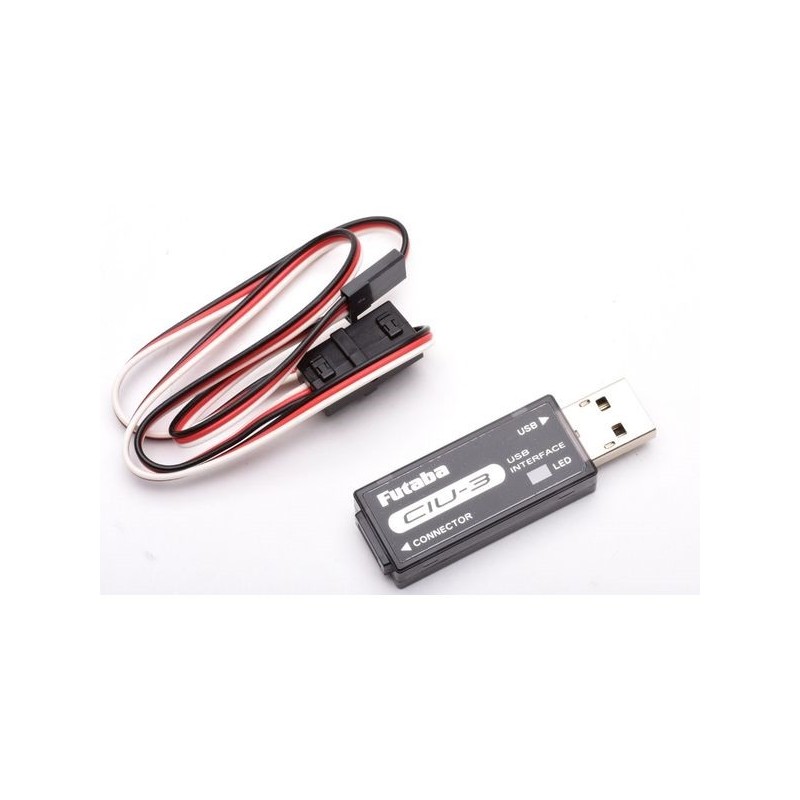
Download the CIU2 driver, then unzip the folder.
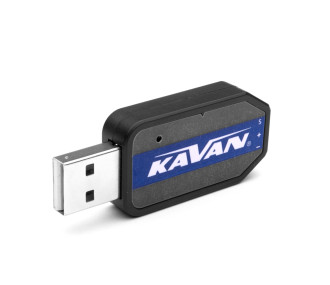
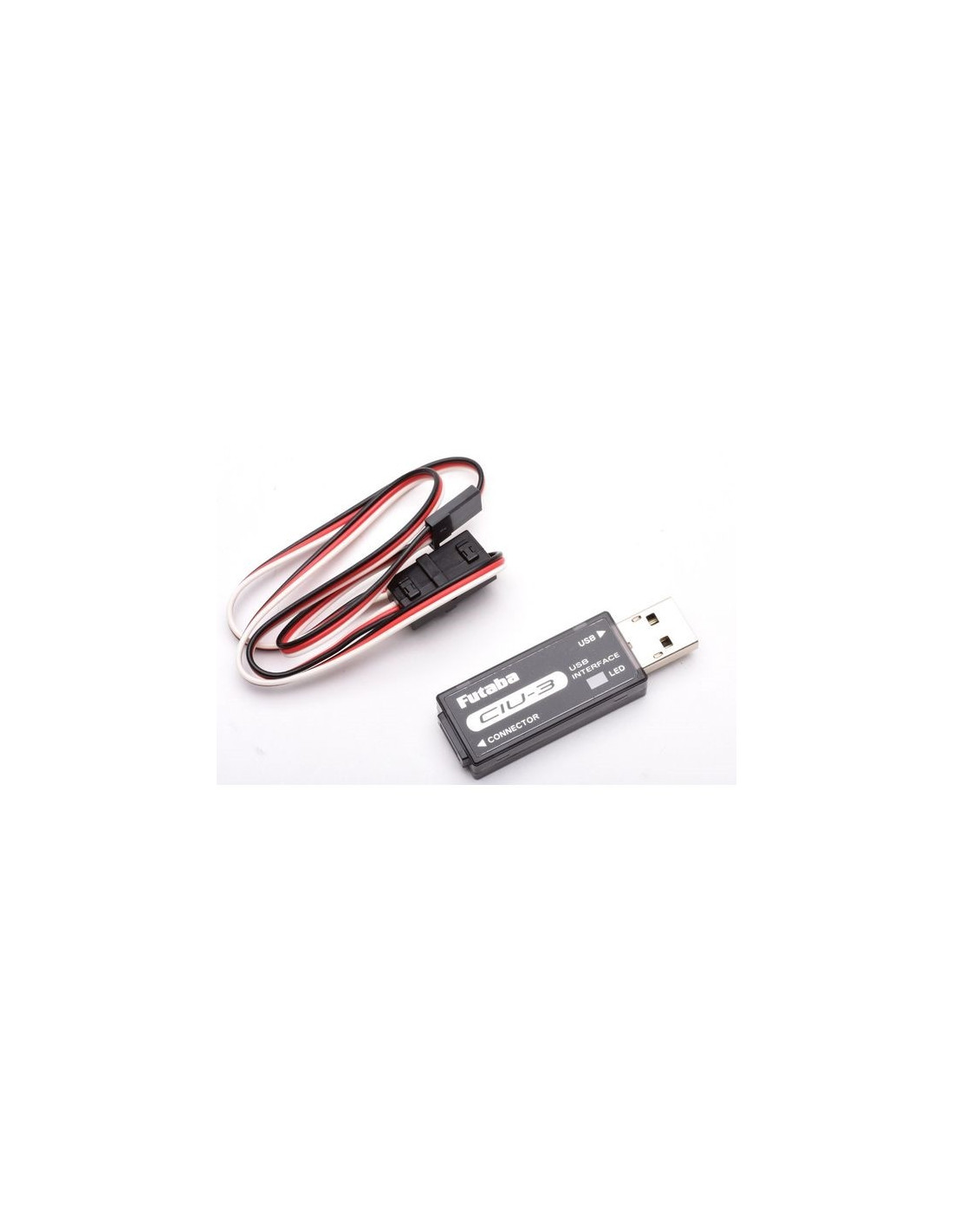
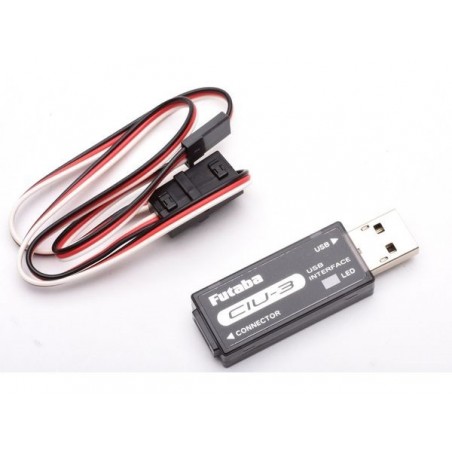
Then, plug the CIU 2 key into a USB port on your PC. The computer will attempt to install the driver automatically. Cancel the operation, then in the device manager, locate the uninstalled USB driver. Right click on this USB driver, and choose "update driver". Look for the "CDM 2.06.00" folder previously unzipped on your hard disk and launch the installation. Once the installation is finished, unplug the CIU2.
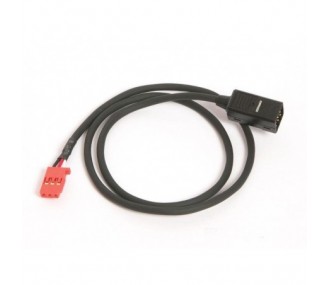
Then take a Y-cord and connect it to the CIU2. Connect a 4.8V or 6.0V battery on one side and the servo to be programmed on the other. Connect the CIU2 to a USB port on your PC. Then launch the PC-Link software and click on connect.
- Thickness in mm (Servos)
- 562
Your review appreciation cannot be sent
Report comment
Report sent
Your report cannot be sent
Write your review
Review sent
Your review cannot be sent
16 other products in the same category:
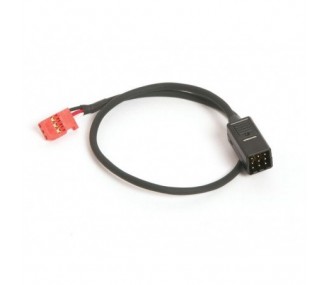
S-BUS HUB-3 Cable 50cm Futaba
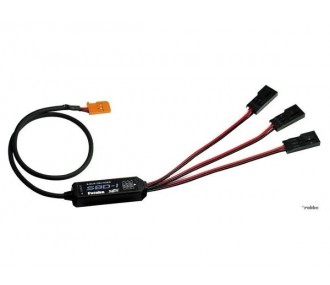
Futaba S-BUS Channel Controller SBC-1
S-BUS HUB-3 Cable 30cm Futaba
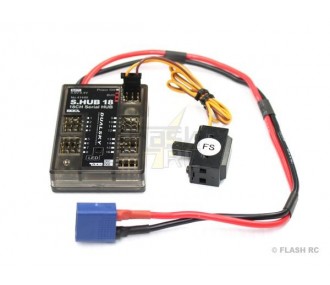
S.HUB 18 Dualsky S-BUS -> PWM 18 Channels
GO servos USB programmer
S-BUS HUB-3 Cable 100cm Futaba
Customers who bought this product also bought:
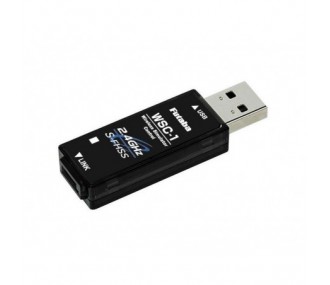
USB simulator adapter WSC-1 S-FHSS FUTABA
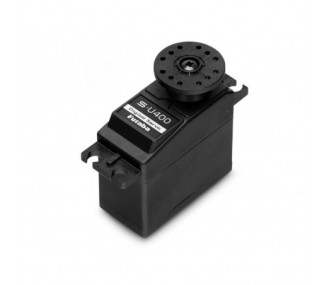
Futaba S-U400 standard digital servo (39g, 7.9kg.cm, 0.13s/60°)
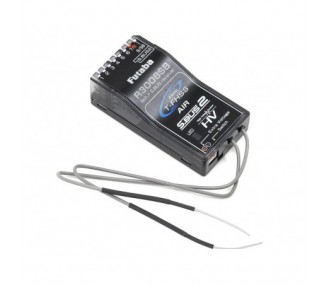
Futaba R3008SB 2.4Ghz 8 Channel T-FHSS Receiver
Customers who bought this product also bought:
FlashRC — Bande newsletter (Brevo à veni
Stay in the loop
RC news, guides and deals — once a week, no more.
By subscribing you accept our privacy policy. Unsubscribe anytime.
Your email addressSubscribe